
Everything your shop runs on
From the first phone call to the review after pickup, every step lives on the repair order.
The job board
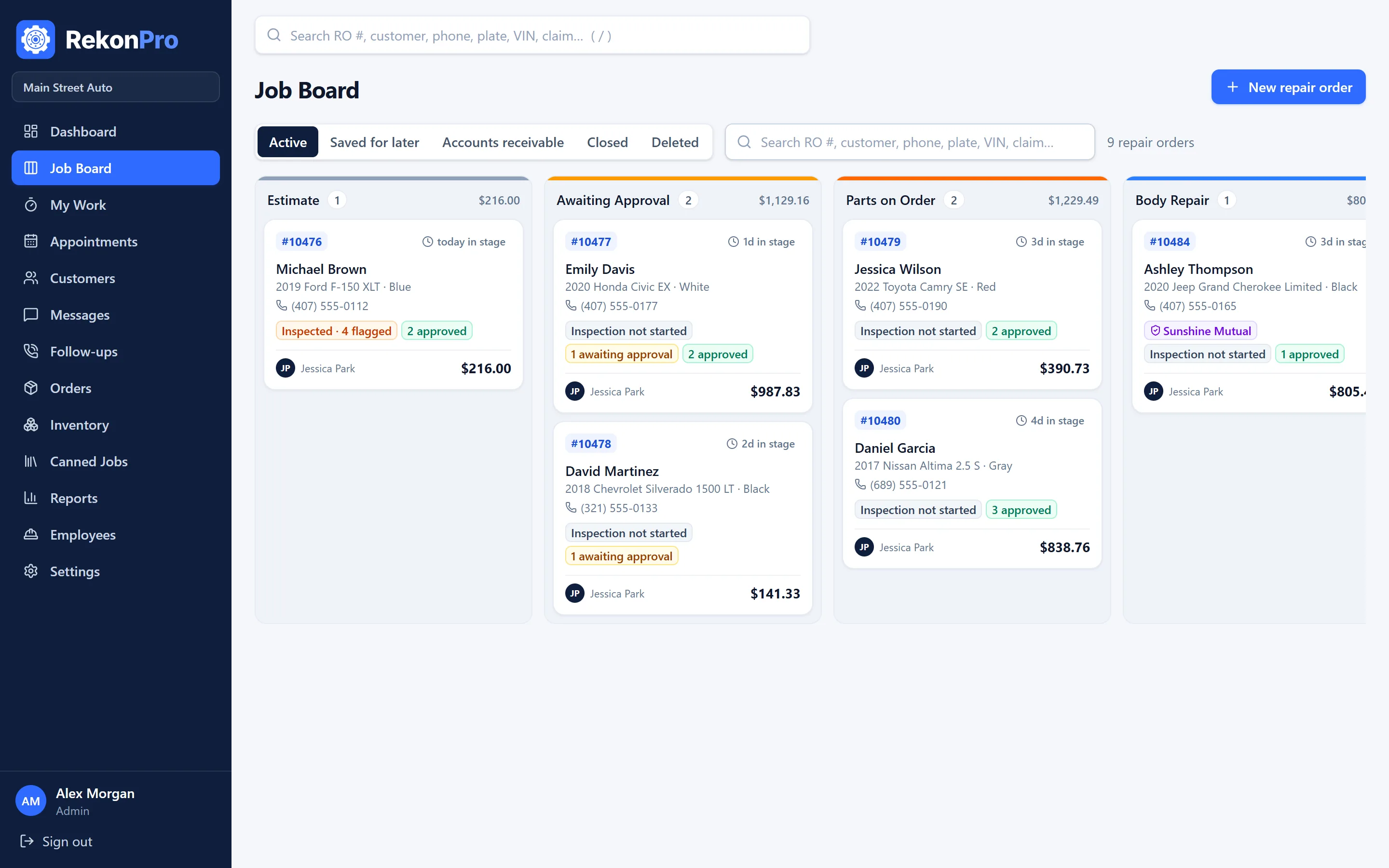
Every car in the shop on one screen, in your own stages. Drag a card to move it; cards turn red when a car sits too long or misses its promise time.
- Your stages, colors and time limits
- Totals per stage and balances on every card
- Saved for later, closed and accounts receivable views
Inspections customers trust
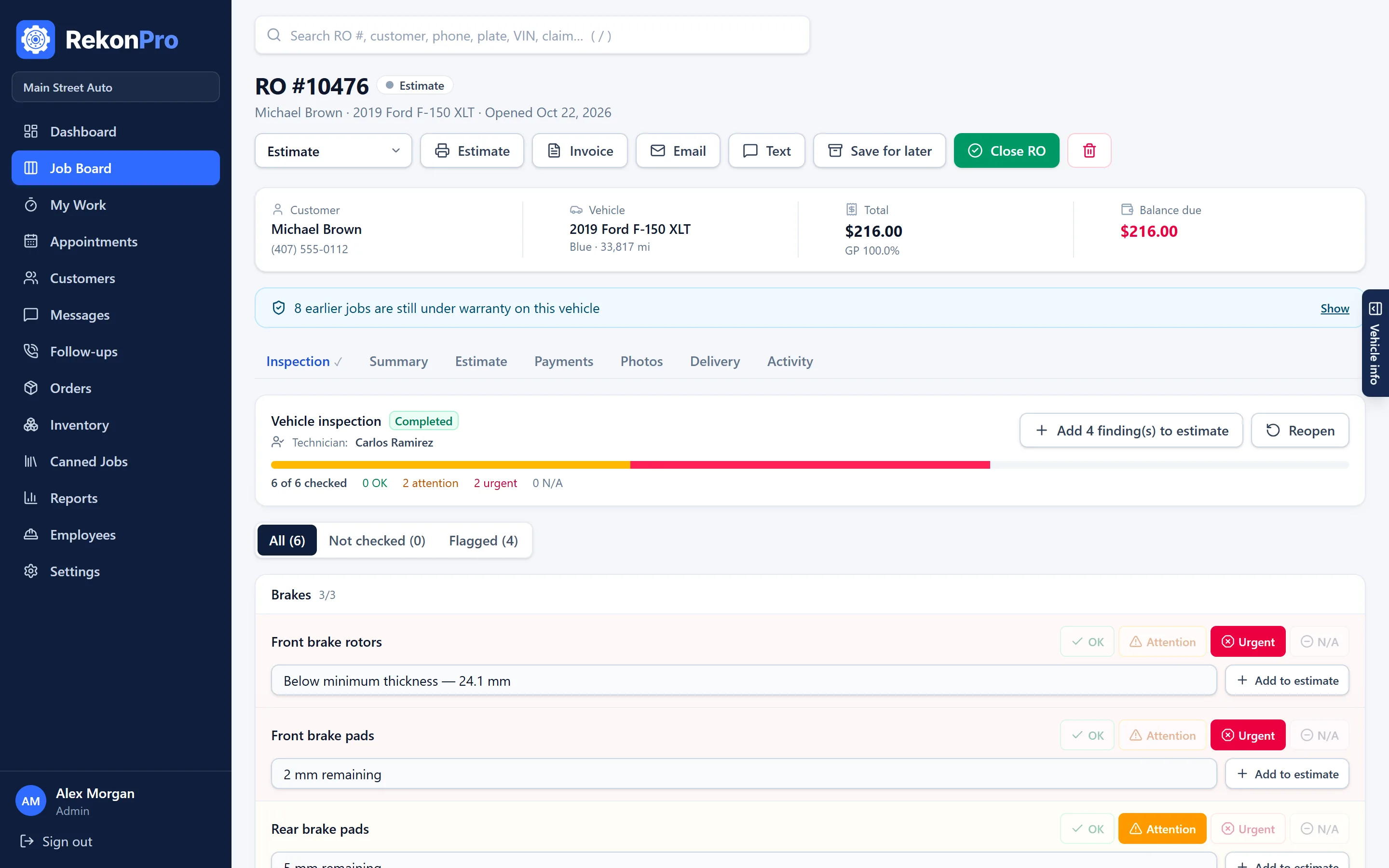
Technicians mark each item OK, Attention or Urgent with notes and photos. Flagged items go to the estimate in one click, and the customer sees the photos on their phone.
- Your own checklist, by category
- Photos per item
- Approve and sign by text, job by job
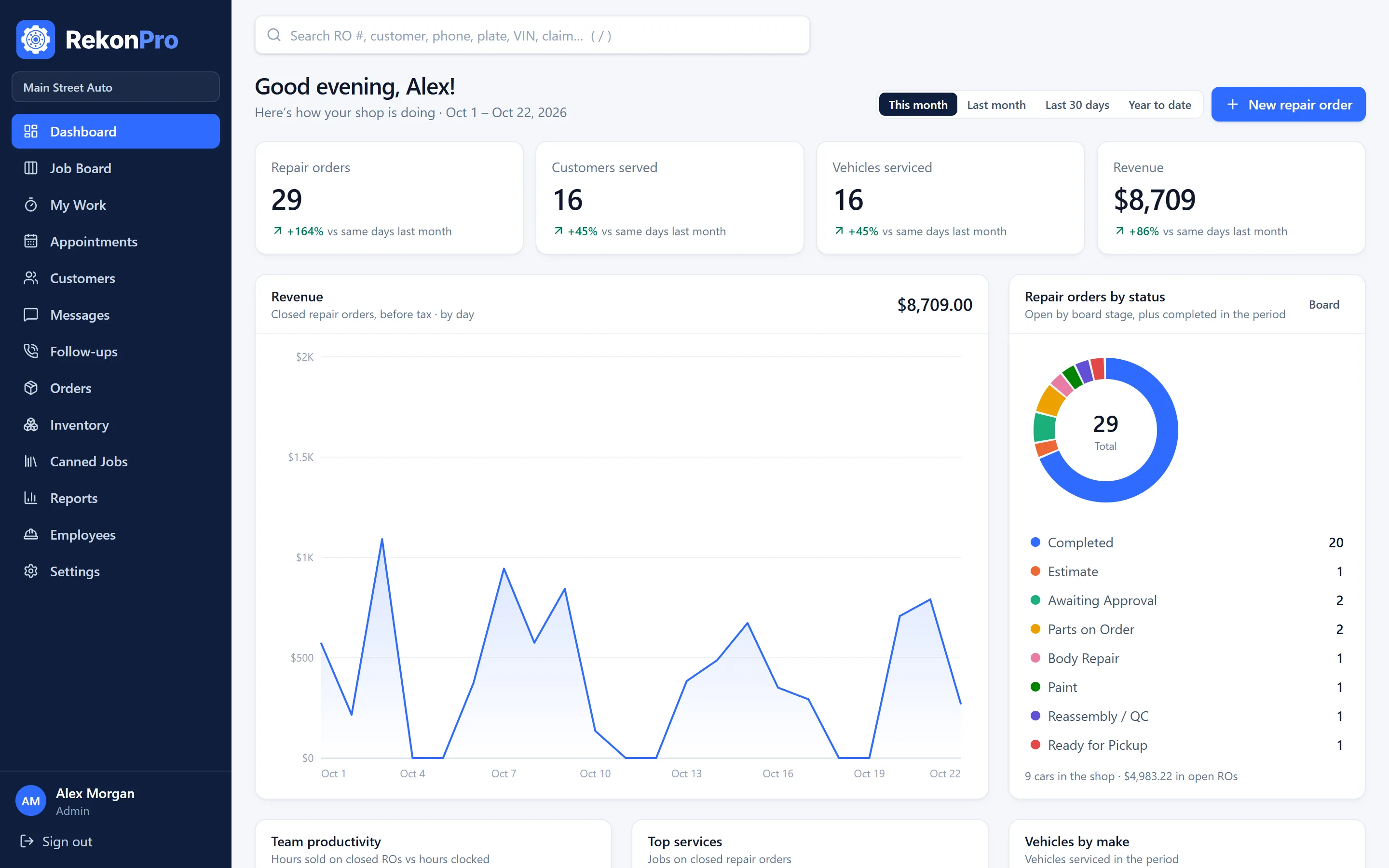
Your numbers, any period
Revenue by day, repair orders by stage, approval rate, effective labor rate, technician efficiency and margins, compared with the period before.
- Sales, sales tax and payments reports
- Accounts receivable by age
- QuickBooks export
A phone app for the bay
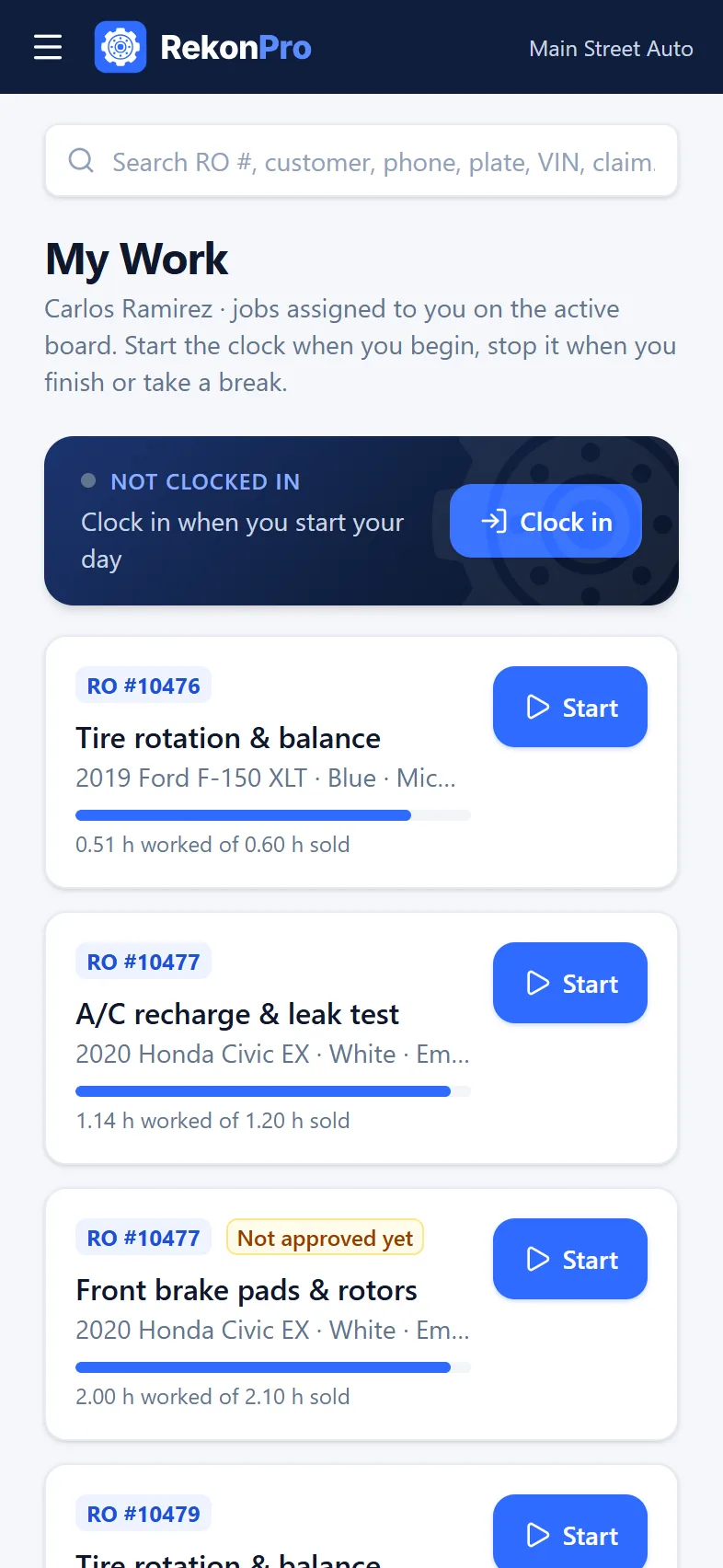
Technicians see their jobs, clock in and out of each one and work the inspection checklist, in English or Spanish.
- Hours sold against hours worked, per job
- Day clock and timesheets
- Works in any phone or tablet browser
And the rest of the counter
Two-way texting
Estimates, updates and the ready text from your own number, with replies on the RO.
Text-to-pay
A secure card link on every invoice. Payments post to the RO by themselves.
Online booking
Customers pick a time on your link; requests land on the calendar for you to confirm.
Parts and inventory
Purchase invoices, vendors, stock with reorder points, and PartsTech from the job.
Labor guide
Book times and vehicle data by VIN, included on every shop plan.
Follow-ups and reviews
Declined work becomes a call-back, and a review request goes out after pickup.